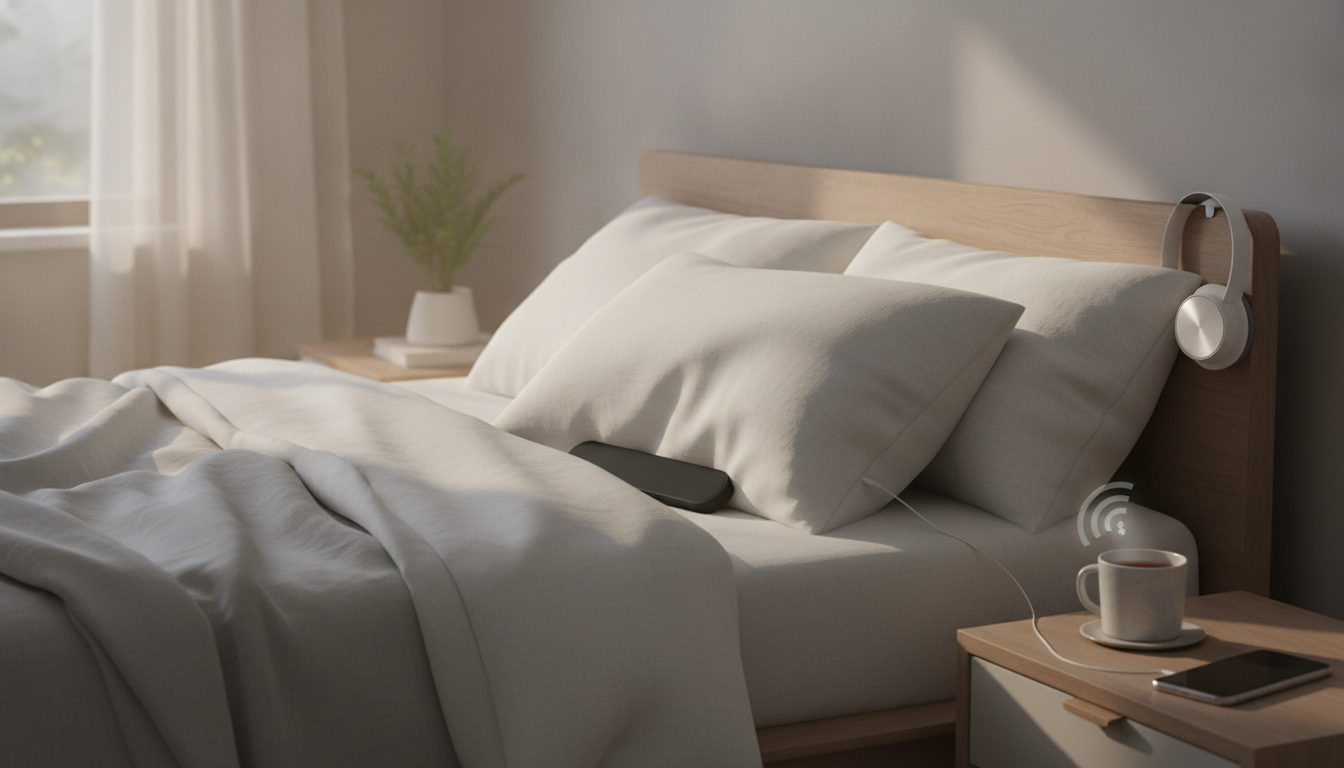
A speaker designed for bedtime listening can keep audio close while minimizing disturbance to others. Under-pillow bone conduction models transmit vibrations through the pillow, making them useful for podcasts, sleep sounds, audiobooks, and late-night calls without wearing earbuds.
An under-pillow bone conduction speaker is a compact wireless device that sits under or beside your pillow and uses vibration-based sound transfer through the pillow material. Instead of trying to fill the room, it focuses on near-field listening—keeping audio “near your head” while staying discreet.
Inside the device, a transducer converts audio into subtle vibrations. Those vibrations travel through the pillow and are perceived as sound near the head. Because the pillow is part of the “delivery path,” placement and materials matter more than they do with a typical bedside speaker.
| Setup choice | What to expect | Quick tip |
|---|---|---|
| Thin pillowcase | Less dampening, better clarity | Avoid thick protective covers when possible |
| Memory foam pillow | Firm contact can improve transmission | Place the speaker near the edge under the ear area |
| Very fluffy pillow | More vibration loss | Turn volume up slightly or reposition closer to the head |
| Side sleeping | Often the best perceived loudness | Tuck the speaker under the side you rest on |
Bluetooth makes bedtime listening simpler: keep your phone on the nightstand and let audio play under the pillow. That means no ear tips to irritate your ears and no headband pressure that shifts when you roll over.
Bluetooth devices follow standardized behavior for pairing and connections, but manufacturers may implement features differently. For deeper technical background, the Bluetooth Core Specification outlines the underlying system that makes wireless playback possible.
For general guidance on safer listening habits—especially if you tend to turn volume up to overcome muffling—review the NIH resource on noise and hearing loss and keep volume at a comfortable, moderate level.
Steady noise (white noise, rainfall, fans) can mask minor background sounds without demanding attention. Keep volume low; the goal is consistent coverage, not loudness.
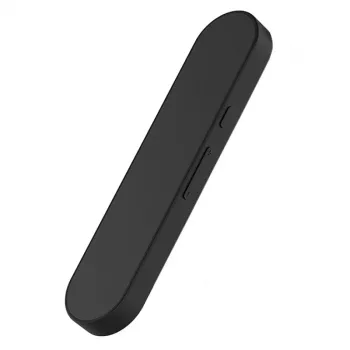
For a straightforward bedside solution, the Under Pillow Wireless Bone Conduction Bluetooth Speaker is designed specifically for under-pillow placement to keep listening discreet and comfortable. Wireless Bluetooth playback supports late-night use without wired headphones, making it a compact option for meditation tracks, white noise, and audiobooks. Its accessible price point can make it an easy add-on for improving a nighttime setup without committing to a full bedside audio system.
| Item | Details |
|---|---|
| Product | Under Pillow Wireless Bone Conduction Bluetooth Speaker |
| Price | 22.51 USD |
| Availability | In stock |
| Product page | View product |
They use a transducer to turn audio into gentle vibrations that travel through the pillow and are perceived as sound near your head. Placement and pillow thickness affect clarity because soft, thick materials can dampen vibrations and reduce detail.
Charge the speaker, power it on, and put it into pairing mode (often by holding the power or Bluetooth button). On your phone, open Bluetooth settings, select the speaker from the device list, and confirm the connection; if it doesn’t appear, toggle Bluetooth off/on or move the phone closer and try pairing again.





Leave a comment