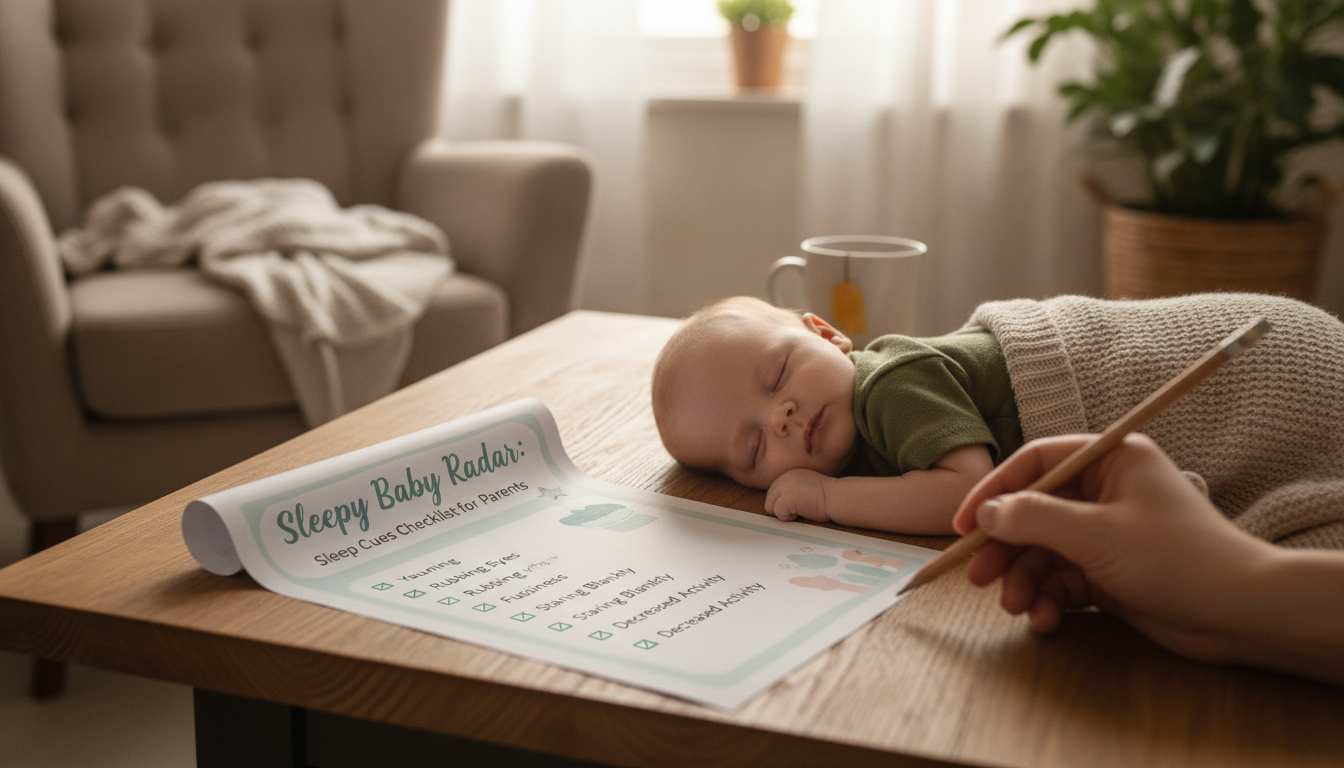
Newborn and infant sleep can feel unpredictable, especially when tired signs show up differently day to day. A simple cues checklist turns those tiny signals—like a glazed stare or sudden fussiness—into an easier decision: nap, bedtime, or a quick reset. This guide explains how to use a printable sleep-cues tracker to spot patterns, build a calmer routine, and reduce overtired meltdowns without overcomplicating the day.
In the first months, sleep timing can shift quickly as your baby grows, feeds change, and stimulation levels vary from one day to the next. Sleep cues are your baby’s built-in “early warning system” that sleep pressure is rising—often before a full yawn or cry shows up.
Catching cues early can prevent the “second wind” effect, where a baby becomes wired and harder to settle. Many caregivers unintentionally respond to late cues first (crying, arching, fighting sleep), which can lead to shorter naps and more frequent night wakes.
A checklist helps separate true tiredness from common look-alikes like hunger, discomfort, or overstimulation—especially helpful when wake windows are changing week to week. Consistency comes from repeating a simple response to cues (brief wind-down, then sleep), not from forcing strict times.
Sleep cues tend to cluster into stages. Your baby may skip around depending on temperament, the environment, and how stimulating the moment is. Tracking helps you find your baby’s “signature” early cue—the easiest moment to start winding down.
Zoning out, reduced movement, quieter cooing, staring past faces, slower blinking, brief eyebrow rub, subtle ear tug, and losing interest in toys.
Yawns, rubbing eyes/face, mild fussing, turning the head away, clenching fists, escalating squirming, and wanting to be held more than played with.
Crying that intensifies when entertained, stiff body or arching, frantic rooting without feeding well, hyperactive kicking, resisting comfort, and frequent startles.
| Cue stage | Common signs | Best next step | Goal |
|---|---|---|---|
| Early | Quieting down, staring, subtle face rub, less interest in play | Begin a 5–10 minute wind-down (dim lights, diaper check, brief cuddle, white noise) | Fall asleep before overtiredness builds |
| Mid | Yawns, eye rubbing, turning away, mild fussing | Move to sleep space; repeat a short routine; offer comfort method (rocking, patting, pacifier if used) | Smooth settling with fewer resets |
| Late | Crying, arching, frantic movements, resisting soothing | Reduce stimulation; hold calmly; extend wind-down; consider a short reset (feed/diaper) if needed | De-escalate and prevent a prolonged fight |
The goal of a tracker isn’t to log every detail—it’s to capture the first cue and what happened next so patterns become obvious.
If you want a ready-to-print template designed for quick checkmarks, the Sleepy Baby Radar printable sleep cues checklist is a simple way to keep cue-reading consistent without turning your day into a data project.
Comfort tools can support the wind-down too. If you use a blanket for supervised snuggles (not loose in the sleep space), a thicker wrap can help during calming time; the Cozy Baby Quilt – Soft & Thick Newborn Swaddle Blanket is an option for cozy pre-sleep cuddles and daytime soothing routines.
For caregivers who feel pressure to “do it perfectly,” pairing a practical checklist with a mindset tool can make routines easier to follow. Parenting Without Perfection: a practical support guide focuses on letting go of unrealistic standards so you can stay steady when sleep gets messy.
A cue-based routine works best when your sleep setup is consistent and safety-forward. Follow current guidance on a safe sleep surface, positioning, and keeping the sleep space clear of loose items. Trusted references include the American Academy of Pediatrics safe sleep guidance and the CDC information on SIDS and sudden unexpected infant death.
It can be used from the newborn stage, focusing on early cues and a short, repeatable wind-down. Expect cues to change as your baby grows, and let your notes guide small adjustments.
Meet basic needs first (feed and diaper), but keep the environment calm and low-stimulation. Log what happened so you can see whether hunger or tiredness usually comes first at that time of day.
Yes—cues apply to both, and bedtime often comes with stronger tired signals and a higher risk of overstimulation. Starting the wind-down at early cues and using the same simple sequence helps bedtime go more smoothly.







Leave a comment