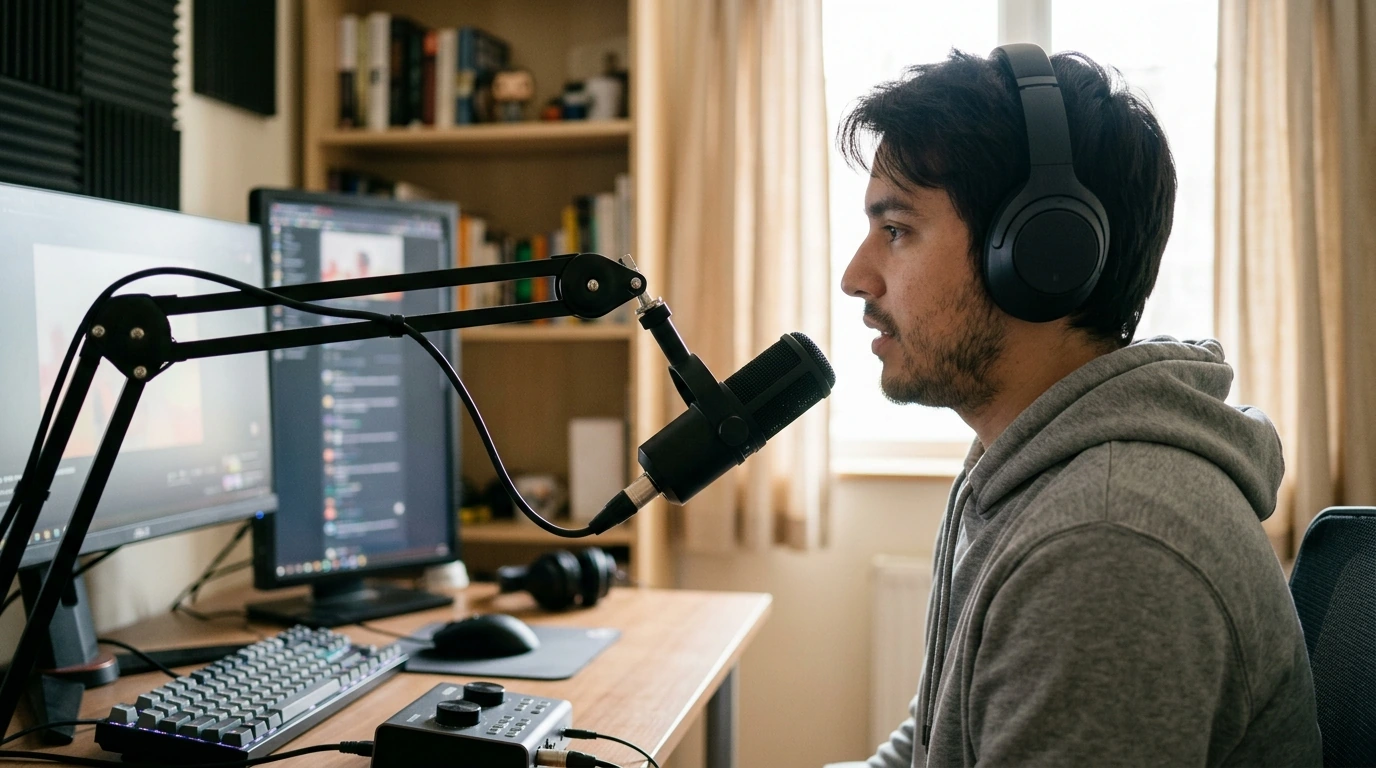
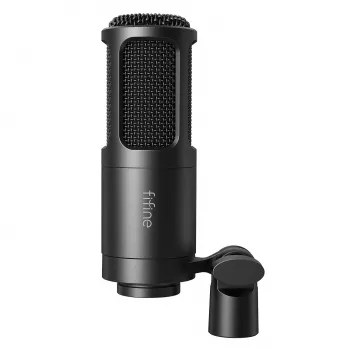
Clear voice is the difference between “good enough” audio and a channel, podcast, or lesson that people actually want to stay for. Our professional XLR dynamic microphone with a cardioid pickup pattern is built for real-world rooms: it focuses on what’s in front of it, naturally resists ambient noise, and pairs with common audio interfaces, mixers, and stream setups. Use it to bring broadcast-style presence to livestreams, voiceovers, meetings, and content creation—without needing a perfectly treated studio.
If you’re ready to build a dependable XLR setup, start with our Professional XLR Dynamic Microphone with Cardioid Pickup for Studio & Streaming as the anchor of your chain.
Most home setups share the same challenge: the mic is close to you, but the room is close too. Cardioid pickup helps you “point” the mic at your voice and away from everything else.
For deeper technique guides, Shure’s educational resources are a solid reference for placement and pattern basics: https://www.shure.com/en-US/performance-production/louder.
XLR isn’t complicated once you think in a straight line: microphone to preamp, then to your computer/recorder, then into your software.
| Step | What to do | Result |
|---|---|---|
| Connect | Plug XLR into an interface/mixer mic input | Stable audio path for streaming and recording |
| Position | Place mic 2–6 inches from mouth, slightly off-axis | Full voice with fewer plosives and less room noise |
| Gain stage | Increase gain while speaking; avoid red/clip indicators | Strong level without distortion |
| Filter & control | Add a pop filter/windscreen; keep stand/arm stable | Cleaner consonants and reduced vibration noise |
| Software | Select interface input; set sample rate consistently | Fewer glitches; predictable latency |
Dynamic cardioid mics reward close, consistent technique. A few inches of movement can change tone more than any plugin.
If you use software noise reduction, it helps to understand what it can and can’t fix; NVIDIA provides a clear overview of noise removal concepts here: https://www.nvidia.com/en-us/geforce/broadcasting/broadcast-app/.
For broader technical standards and education in audio engineering, the Audio Engineering Society (AES) is a trusted industry resource: https://www.aes.org/.
Not usually—an XLR microphone typically needs an audio interface or mixer to connect to your computer via USB. That setup also gives you better gain control and real monitoring so you can hear your audio before you go live.
A good starting range is about 2–6 inches from your mouth, with the mic slightly off-axis. Pair that distance with a pop filter or windscreen so you keep the close-up “broadcast” tone without excessive plosives.
Cardioid pickup focuses on what’s in front of the mic and reduces sound from the sides and rear, which helps in untreated rooms. Aim the rear of the mic toward your loudest noise source and keep your speaking position consistent for the most stable tone.




Leave a comment