HomeBlogBlogXLR Dynamic Cardioid Mic for Streaming & Studio Clarity

XLR Dynamic Cardioid Mic for Streaming & Studio Clarity

XLR Dynamic Cardioid Mic for Streaming & Studio Clarity

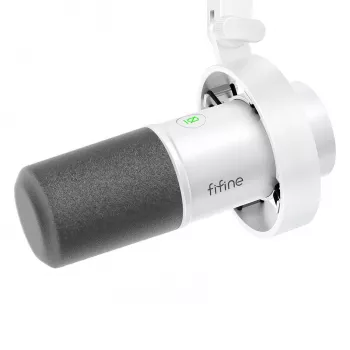
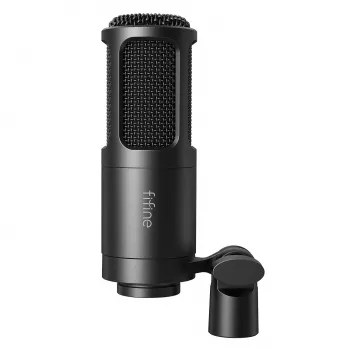
Professional XLR Dynamic Microphone with Cardioid Pickup for Studio & Streaming

Clear voice is the difference between “good enough” audio and a channel, podcast, or lesson that people actually want to stay for. Our professional XLR dynamic microphone with a cardioid pickup pattern is built for real-world rooms: it focuses on what’s in front of it, naturally resists ambient noise, and pairs with common audio interfaces, mixers, and stream setups. Use it to bring broadcast-style presence to livestreams, voiceovers, meetings, and content creation—without needing a perfectly treated studio.

If you’re ready to build a dependable XLR setup, start with our Professional XLR Dynamic Microphone with Cardioid Pickup for Studio & Streaming as the anchor of your chain.

What This Microphone Is Built to Do

  • Deliver focused speech capture for streaming, podcasting, voiceover, lessons, and live chat—especially when the room is not acoustically perfect.
  • Use an XLR connection for dependable audio routing through an interface or mixer (ideal for long cables and stable signal paths).
  • Keep the sound centered on you: a cardioid pattern prioritizes the front of the mic and reduces pickup from the sides and rear.
  • Handle everyday recording conditions: dynamic microphones typically manage close speech well and are less sensitive to distant background sounds than many condensers.

Why Cardioid Pickup Matters for Streaming Rooms

Most home setups share the same challenge: the mic is close to you, but the room is close too. Cardioid pickup helps you “point” the mic at your voice and away from everything else.

  • Side-noise control: cardioid pickup helps reduce keyboard clicks, fans, and room reflections compared with more open patterns, when positioning is done correctly.
  • Cleaner separation: your voice stays forward in the mix, making it easier to apply light EQ and compression without amplifying room tone.
  • Better consistency: when you speak at a steady distance, cardioid capture helps keep volume and tone stable for viewers and listeners.
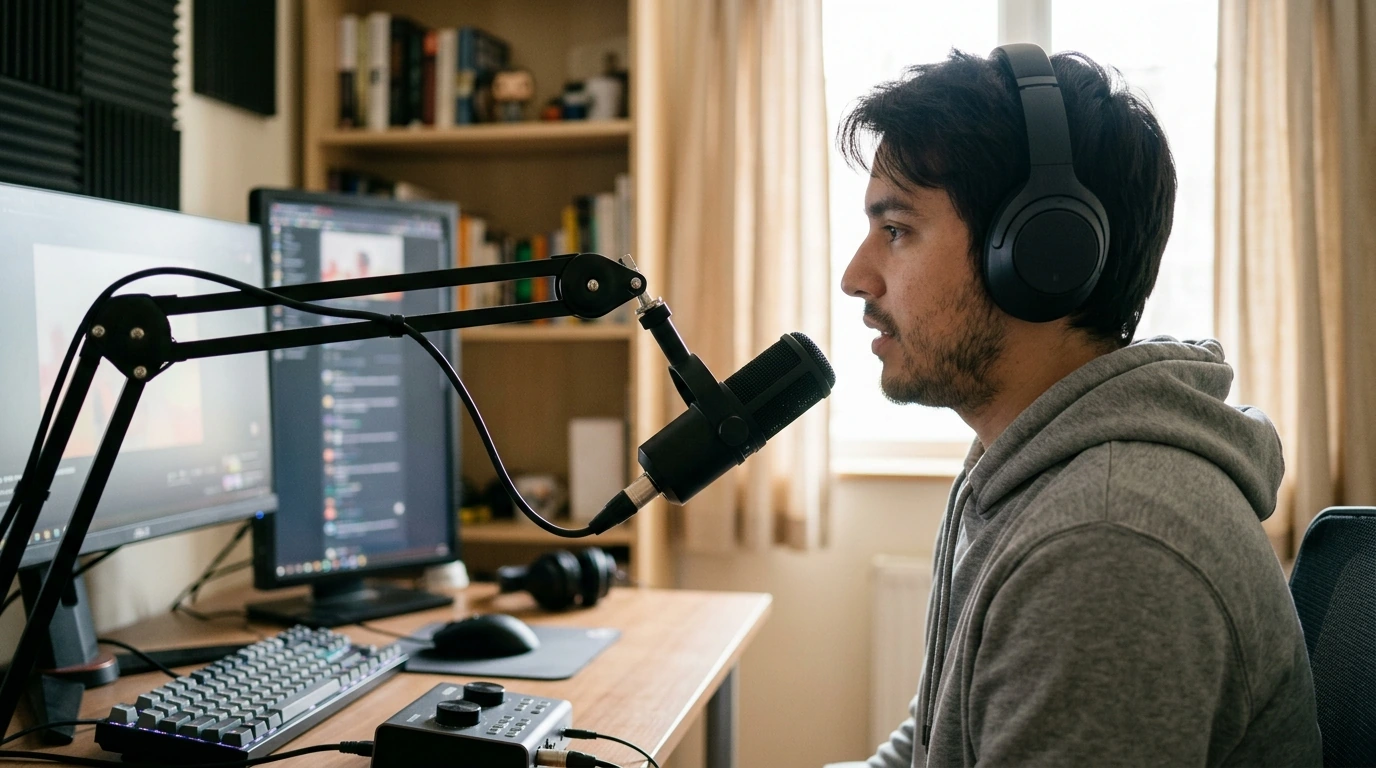
  • Practical tip: aim the front of the microphone toward your mouth, and keep the rear of the mic facing the noisiest part of the room (PC, window, hallway).

For deeper technique guides, Shure’s educational resources are a solid reference for placement and pattern basics: https://www.shure.com/en-US/performance-production/louder.

Setting Up XLR the Simple Way

XLR isn’t complicated once you think in a straight line: microphone to preamp, then to your computer/recorder, then into your software.

  • Plan the signal chain: XLR microphone → audio interface or mixer → computer (USB) or recorder → streaming/recording software.
  • Set gain for voice: start low, speak at normal streaming volume, then raise gain until levels are strong without clipping.
  • Use monitoring: headphones help you catch hum, room noise, and plosives before you go live.
  • Keep cables tidy: route XLR away from power bricks when possible; secure slack to avoid handling noise.
  • If the voice sounds quiet: consider an inline gain booster or an interface with stronger mic preamps (depending on your existing gear).

Quick setup checklist (XLR dynamic mic)

Step What to do Result
Connect Plug XLR into an interface/mixer mic input Stable audio path for streaming and recording
Position Place mic 2–6 inches from mouth, slightly off-axis Full voice with fewer plosives and less room noise
Gain stage Increase gain while speaking; avoid red/clip indicators Strong level without distortion
Filter & control Add a pop filter/windscreen; keep stand/arm stable Cleaner consonants and reduced vibration noise
Software Select interface input; set sample rate consistently Fewer glitches; predictable latency

Best Placement for a Broadcast-Style Voice

Dynamic cardioid mics reward close, consistent technique. A few inches of movement can change tone more than any plugin.

Dialing In a Natural Voice (Without Overprocessing)

If you use software noise reduction, it helps to understand what it can and can’t fix; NVIDIA provides a clear overview of noise removal concepts here: https://www.nvidia.com/en-us/geforce/broadcasting/broadcast-app/.

Who This Microphone Fits Best

Pairing Suggestions for a Complete Audio Chain

  • Headphones for monitoring: closed-back or isolating in-ears help confirm levels, noise, and plosive control during live sessions. Our High-Fidelity 9.2mm Beryllium-Coated Single Driver In-Ear Headphones are a strong option when you want detail while you set gain and filters.
  • Pop filter/windscreen: essential for close speech and energetic delivery.
  • Boom arm or shock-absorbing mount (where applicable): helps reduce desk thumps and keeps the mic where it needs to be.
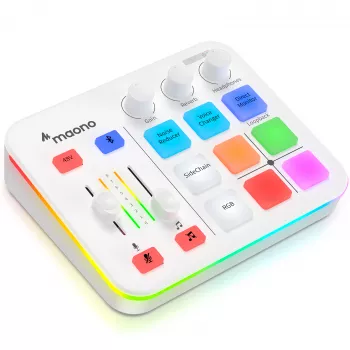
  • Interface/mixer choice: select one that matches your workflow—simple one-channel interfaces for solo creators, mixers for multi-source control and live routing.

For broader technical standards and education in audio engineering, the Audio Engineering Society (AES) is a trusted industry resource: https://www.aes.org/.

FAQ

Does an XLR dynamic microphone work directly with a computer?

Not usually—an XLR microphone typically needs an audio interface or mixer to connect to your computer via USB. That setup also gives you better gain control and real monitoring so you can hear your audio before you go live.

How close should the microphone be for streaming voice?

A good starting range is about 2–6 inches from your mouth, with the mic slightly off-axis. Pair that distance with a pop filter or windscreen so you keep the close-up “broadcast” tone without excessive plosives.

Why choose cardioid pickup for a home studio or gaming room?

Cardioid pickup focuses on what’s in front of the mic and reduces sound from the sides and rear, which helps in untreated rooms. Aim the rear of the mic toward your loudest noise source and keep your speaking position consistent for the most stable tone.

Was this article helpful?

Yes No
Leave a comment
Top

Shopping cart

×