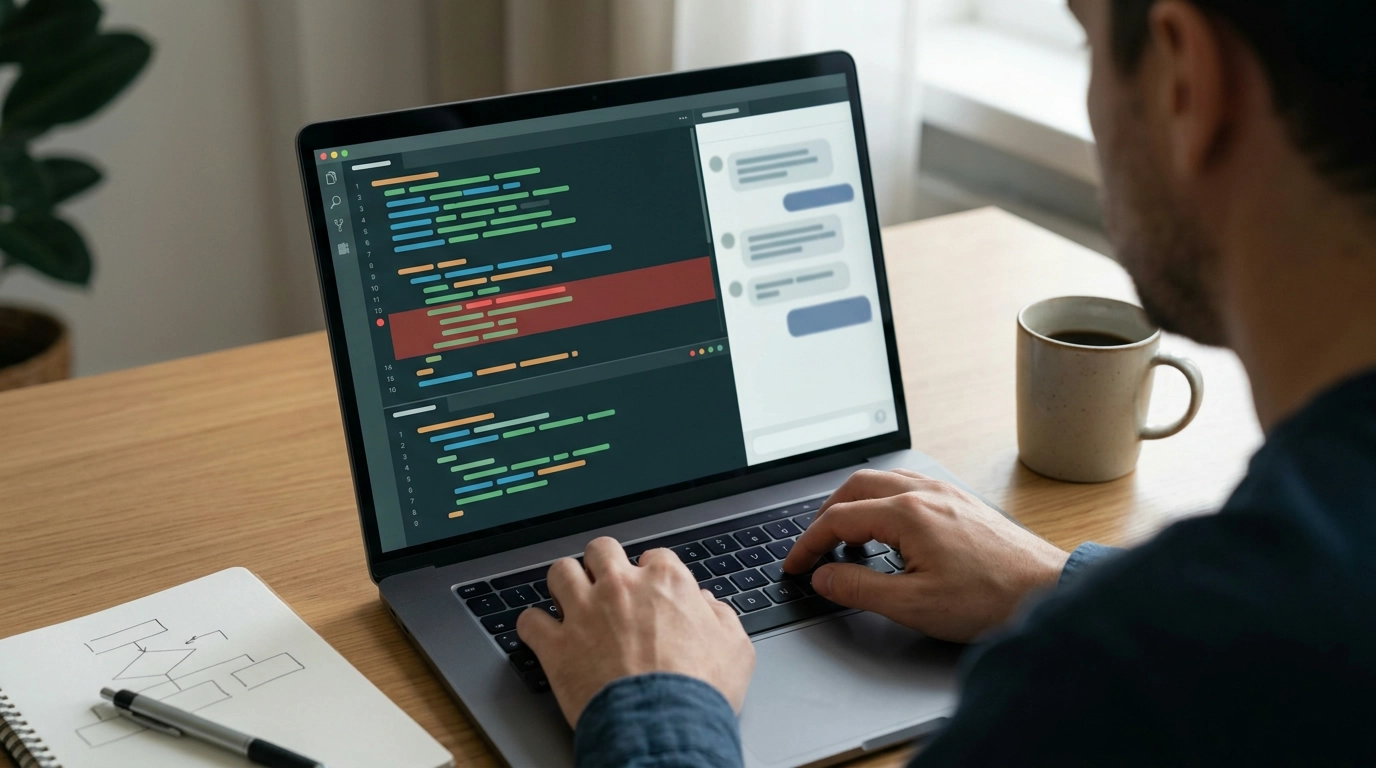
Debugging is rarely “one broken line.” Most Python issues come from unclear assumptions, messy state, surprising inputs, or coverage gaps that let regressions slip through. Our team built this guide for a practical, repeatable workflow that blends classic debugging fundamentals (tracebacks, logging, tests, debuggers) with AI-assisted techniques that speed up the loop—without outsourcing correctness.
When you use AI well, it behaves like a debugging partner: it helps you generate hypotheses, narrow the search space, and propose experiments. Verification still belongs to runtime evidence, your tests, and the actual behavior of your code. The best results come from turning every bug into artifacts you keep: a minimal reproduction, a failing test that proves the issue, and a short root-cause note that prevents reintroducing it later.
AI adds the most value when the path forward isn’t obvious. Instead of asking for a single “fix,” you get faster iteration by using AI to clarify the problem and propose the next best experiment.
Deterministic tools come first: tracebacks, logging, a debugger, and tests. AI accelerates the loop when you’re choosing where to look next and how to prove a theory quickly.
If you want debugging to be predictable, treat it like a loop: define the problem, reproduce it, localize the failure, form a few hypotheses, run the smallest separating experiment, then fix and prevent.
| Step | What to do | Ask AI for | Output to keep |
|---|---|---|---|
| Reproduce | Create a minimal script or failing test that triggers the bug reliably | A minimal-repro checklist and likely environmental variables | A runnable repro file or failing test |
| Localize | Narrow to module/function/branch; add assertions/logging | Instrumentation ideas and invariants to validate | Notes: where it fails and variable snapshots |
| Hypothesize | List plausible causes consistent with evidence | A ranked hypothesis list and what evidence would confirm/deny each | Hypothesis log with acceptance criteria |
| Experiment | Run the smallest test that separates two causes | Test cases (including boundary and property-style cases) | New/updated tests |
| Fix | Apply smallest change that makes tests pass | Refactor-safe patch options and risk points | Diff + rationale |
| Prevent | Add regression coverage; consider linters/type checks | Additional guardrails (mypy, ruff, pytest options) | Regression test + CI note |
The fastest way to get useful output is to provide structured inputs. Give the traceback, the smallest relevant code excerpt, what you already tried, expected behavior, and a minimal dataset (or a synthetic example that behaves the same). Then ask for options, not a single answer.
AI for Debugging Python Code: Ultimate eBook Guide to AI for Debugging Python Code is built as a focused reference: it gives you a step-by-step playbook, prompt templates for hypotheses and tests, and checklists for frequent traps around state, types, time, I/O boundaries, and async behavior.
If you also want a simple way to improve focus during deep debugging sessions, you can pair your study time with something that reduces distractions: High-Fidelity 9.2mm Beryllium-Coated Single Driver In-Ear Headphones.
Share a structured bundle: the full traceback, Python version/OS/dependency versions, a minimal reproduction or failing test, expected vs. actual behavior, and what you already tried. Remove secrets and sensitive data before you paste anything.
AI is most useful for generating hypotheses, proposing test cases, and suggesting where to instrument or inspect—while pdb, logging, tracebacks, and tests confirm what’s true. Keep artifacts like repro scripts and regression tests so progress is measurable.
Use a regression test as the proof of the bug: write it so it fails first, apply the smallest fix until it passes, then add edge-case tests near the fix. This prevents the bug from returning and keeps AI-suggested changes accountable.






Leave a comment