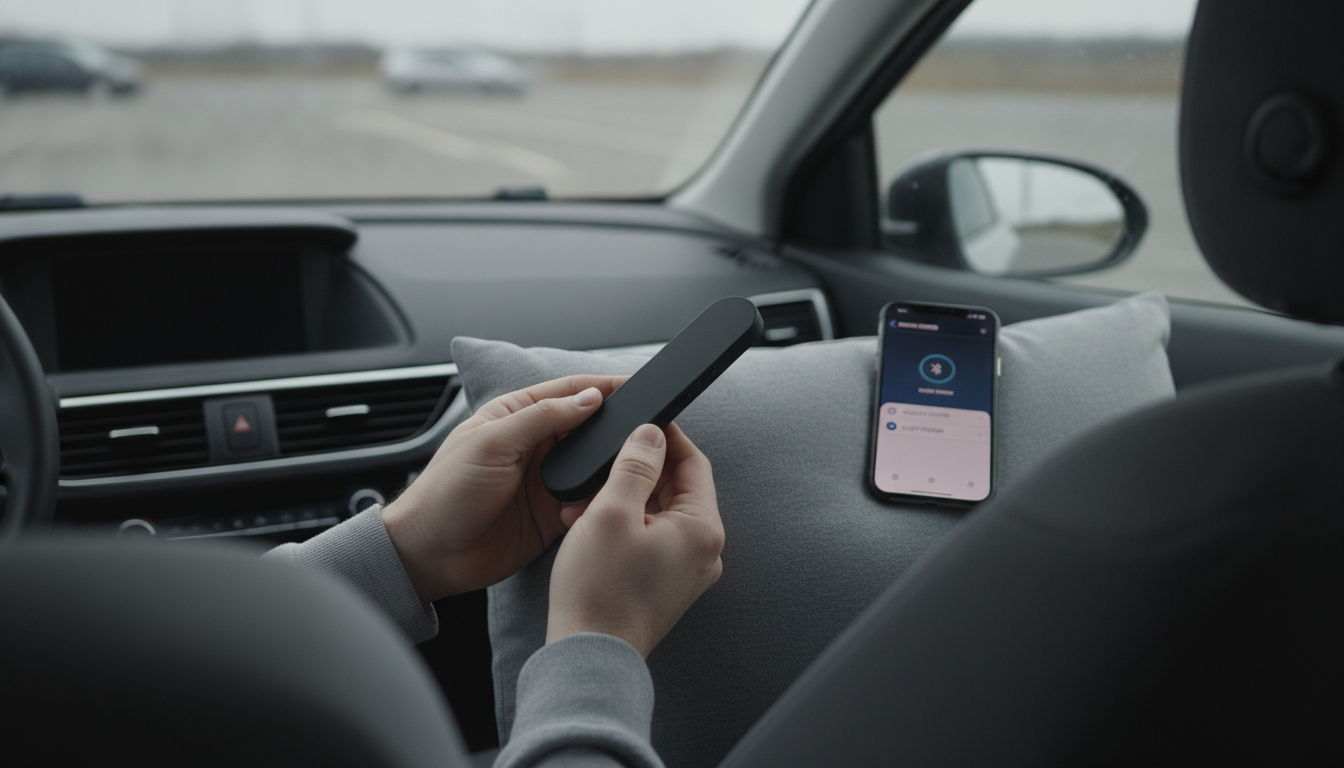
Pairing an under pillow speaker is usually a quick Bluetooth setup, but it goes smoother when you start with the basics: power, pairing mode, and a clean connection on your phone. Since the speaker will sit under bedding, it’s worth taking an extra minute to confirm it’s connected and set to a comfortable volume before you settle in.
Fully charge the under pillow speaker or connect it to its power source. Low battery can cause pairing failures or random disconnects, especially when the speaker is tucked under a pillow where buttons and status lights are harder to access.
Turn the speaker on, then activate pairing mode (often by holding the power or Bluetooth button for a few seconds). Look for a blinking indicator light or an audible cue that confirms it’s discoverable. If it has been paired to another device recently, you may need to force pairing mode or clear its pairing list using the speaker’s reset procedure.
On iPhone: go to Settings > Bluetooth, turn Bluetooth on, and tap the speaker name when it appears under “Other Devices.” On Android: go to Settings > Connected devices (or Bluetooth), enable Bluetooth, and select the speaker from the available devices list. If a PIN is requested, try 0000 or 1234 unless your manual specifies something else.
Play a short audio clip and confirm sound is coming from the speaker (not your phone). Set the speaker volume to a low-to-medium level first, then fine-tune from your phone. Under-pillow audio can feel louder once your head is resting on the pillow, so start lower than you think you need.
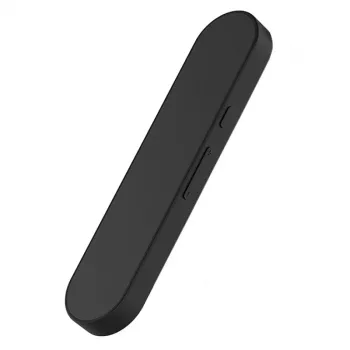
Slide the speaker under the pillow near the edge where your ear rests, not in the center. Keep it flat to reduce pressure points and prevent shifting during the night.
For more tips on setup, placement, and quiet listening, visit the full under-pillow bone conduction speaker guide.
Common causes include low battery, distance or interference (walls, other Bluetooth devices), and an unstable previous pairing. Recharge fully, “Forget” the device on your phone, re-pair, and keep your phone within a few feet for the most reliable connection.




Leave a comment